Amazon Listing Suppressed — Not Showing in Search
The ASIN is still in your inventory but buyers can’t find it — search-suppressed, no Buy Box, or flagged “not buyable”. Sales fall off a cliff while the account looks fine. We find the quality or policy trigger, fix it, and get the listing searchable again. No win, no fee.
💬 Get Free Case AssessmentWhat Amazon's Message Looks Like
Suppression often has no email at all — you notice the sales drop first. When there is a message it reads like:
- “Your listing is currently suppressed and not available for search.”
- “This listing does not meet Amazon’s listing quality requirements.”
- “Your product is not buyable” / “Currently unavailable” with stock on hand.
- “Potential pricing error” holding the offer down.
The account itself stays active — only the flagged ASIN (or a small group of ASINs) is affected.
Common Triggers
Suppression is usually a listing-quality or pricing gate rather than a hard policy strike. The common causes:
Title Rules
Title over the category character limit, promotional text, ALL CAPS, or special characters Amazon strips or rejects.
Missing Attributes
Required fields for the category left blank — safety attributes, dimensions, material, age grading, or compliance flags.
Main Image
Not on pure white, below the minimum resolution, contains text, watermarks or props, or is a placeholder.
Pricing Gates
“Potential pricing error” or marketplace fair-pricing checks holding the offer down.
Quality Alerts
High return rate, condition complaints, or listing-accuracy alerts pushing the ASIN out of search.
Restricted Words
Words in the title or bullets that trigger a category or compliance filter (e.g. medical, safety, brand terms).
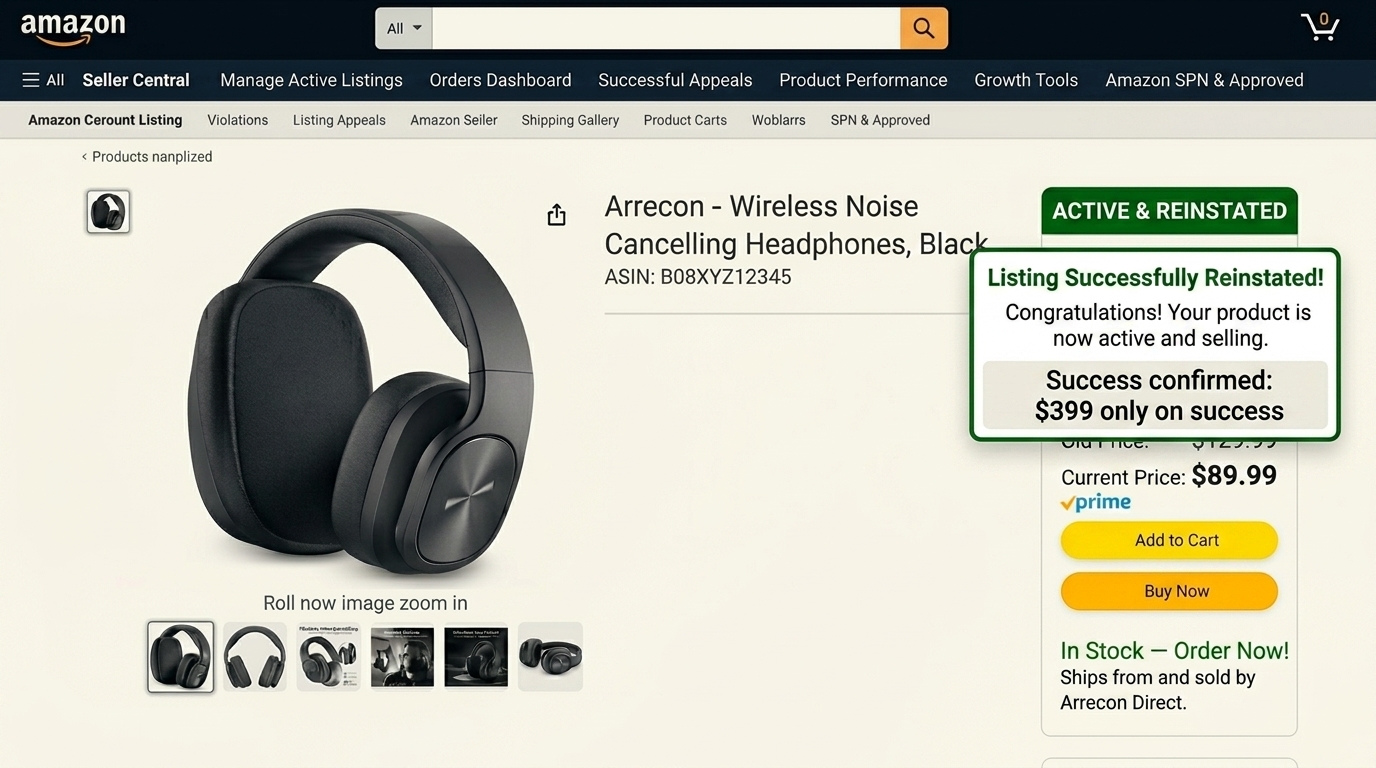
How We Get the Listing Reinstated
Confirm It’s Suppression, Not Deactivation
We check the listing status, Buy Box eligibility, and any quality alerts to confirm what’s actually holding the ASIN down.
Fix the Quality or Pricing Gate
We correct the title, images, attributes, or pricing flag so the listing passes Amazon’s quality checks.
Clear the Alert or Appeal
Where a quality alert or policy filter is involved, we submit the correction and a short explanation to lift it.
Submit via Secure Access
We work through your Seller Central via Amazon’s official User Permissions system. Restricted, revocable access only.
Confirm Search Visibility
We verify the ASIN is buyable and indexed in search again, and flag anything that could re-trigger suppression.
This Is Not an Account Suspension
Only the flagged listing is down. Your account health history stays intact, you keep selling everything else, and the appeal is scoped to the affected ASIN. We never touch the rest of your catalogue or your account settings.
How a Typical Case Runs
An illustrative scenario — not a specific client — to show the shape of the work.
Situation. A supplement seller sees one SKU’s sales drop 90% overnight. No email. The account is healthy.
Diagnosis. The listing is search-suppressed: the title exceeds the category limit and a required “supplement facts” attribute is blank.
Action. Title trimmed to spec, missing attributes completed, listing re-submitted with a note on the correction.
Outcome shape. Suppression cases usually clear within 24–72 hours once the listing meets the quality gate.
Why We Need Secondary Access — Amazon's Official Requirement
As an Amazon SPN & SPP certified agency, Go.Reinstate is one of the very few service providers officially authorised by Amazon to access Seller Central on your behalf. Amazon's own policy states that only SPN-certified partners are permitted to request secondary user access. Any non-certified provider asking for your Seller Central access is violating Amazon's terms. Access is through the official User Permissions system, restricted only, revocable by you at any time.
Common Questions
ASIN & Listing Policy Appeals
One step to recovery — instant
Send us your notice — our consultant responds in seconds
Get Your ASIN Back Live — Fast.
Free assessment, instant response, no upfront payment. WhatsApp us the affected ASIN and the notice now.